Sign in to your account
Connect Patreon for downloads and Discord for your community role.
Sign in ← Back to homeWelcome back, there.
Active · via Patreon
⚑ New here? Follow the 4-step setup so the pack loads correctly →Get set up
Full guide →Do these in order so the pack and shaders load correctly.
- ✓Download your packGrab your tier's build from the Downloads section below.
- 2Install a loaderJava: Iris + Fabric (recommended) or OptiFine. Bedrock: Better RTX.Loader guide →
- 3Apply the pack & enable shadersDrop the zip into resourcepacks, enable it, then pick the recommended shader preset.Shader setup →
- 4Check it looks rightCompare against the before/after. If textures look off, run through troubleshooting.Troubleshooting →
Achievements 0 / 12
Loading achievements…
From the gallery
View gallery →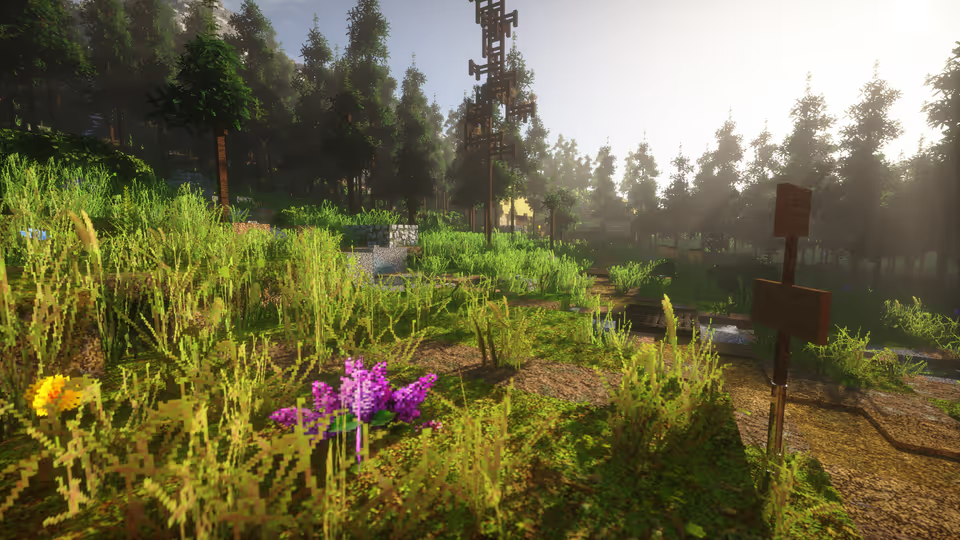
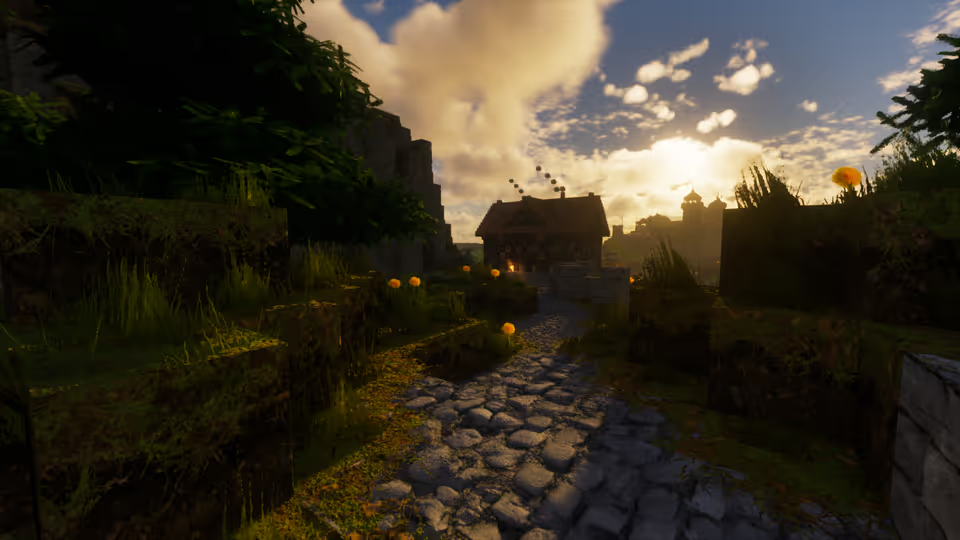
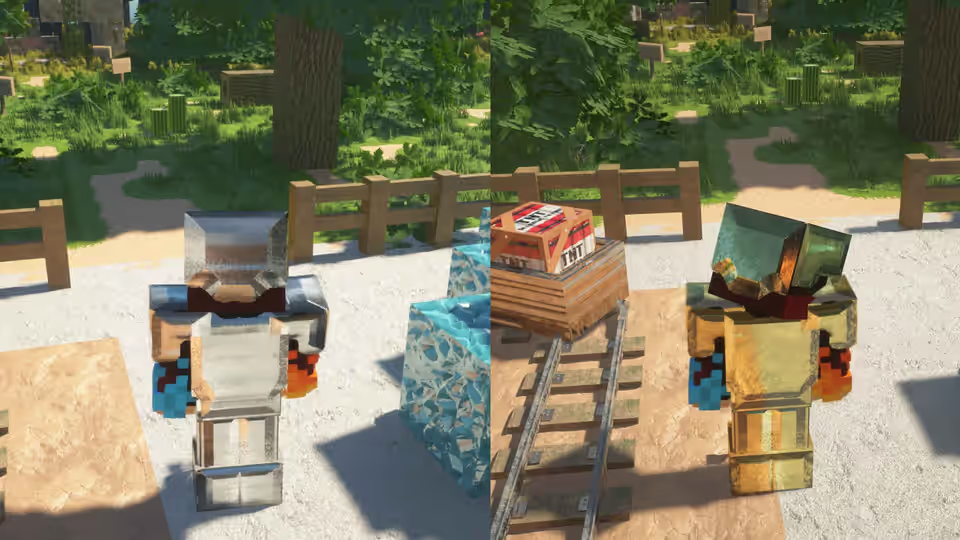
Vanilla → Optimum
Open before / after →From the community
Share your shot →Built something gorgeous? Submit a screenshot — featured shots get a Discord shout-out.
Help & links
Billing & invoices are managed on Patreon · View billing →
All downloads
Edition Minecraft version
Pack version R4.1.0 for Minecraft 26.x