Minecraft Bedrock Edition · RTX + Vibrant Visuals
Realistic Minecraft Bedrock texture pack
Optimum Realism brings full PBR materials to Bedrock — real depth, ray-traced reflections, and lighting that makes blocks look like actual stone, metal, and wood. Built for RTX on Windows 10/11, and works with Vibrant Visuals on Xbox, mobile, and PCs without an RTX card.
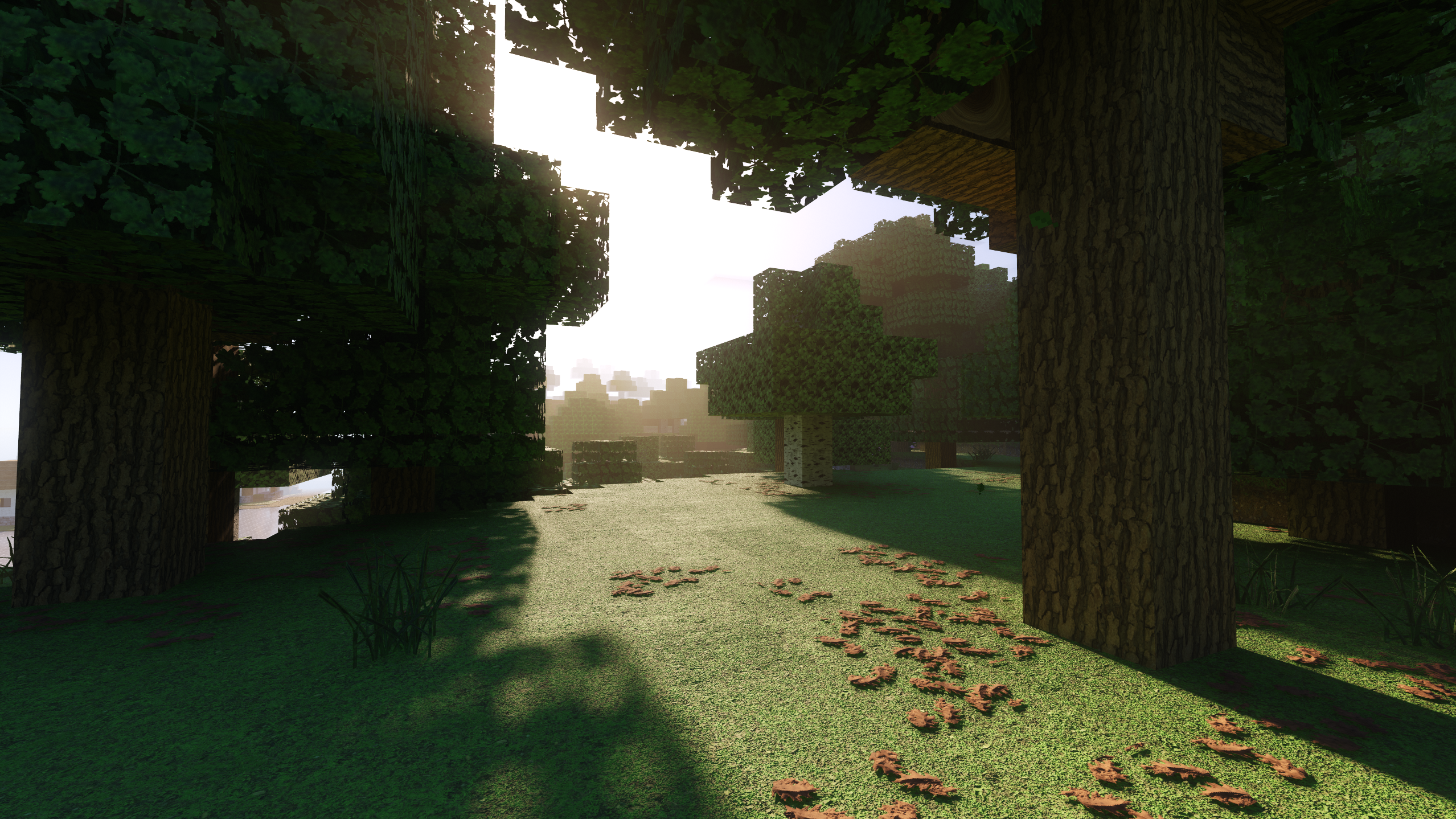
Built for ray tracing, not just slapped on top
Most "realistic" Bedrock packs only swap the base colour textures. Optimum Realism ships the full PBR set — height, normal, and material maps — so RTX can render genuine surface depth, metallic glints, and emissive light sources. The result reads as realistic in motion, not only in a screenshot. Bedrock RTX is tuned for 256x; higher resolutions aren't worth the extra memory cost on the ray-traced renderer.
- Full PBR Height, normal & material maps for true RTX depth and reflections.
- No mods A single
.mcpack— double-click to import, activate, done. - Works everywhere RTX on Windows; Vibrant Visuals on Xbox, mobile & non-RTX PCs.
- Free to start 64x is free forever; 128x and 256x on Patreon.
Bedrock RTX screenshots
Captured in-game with Optimum Realism active and ray tracing on.
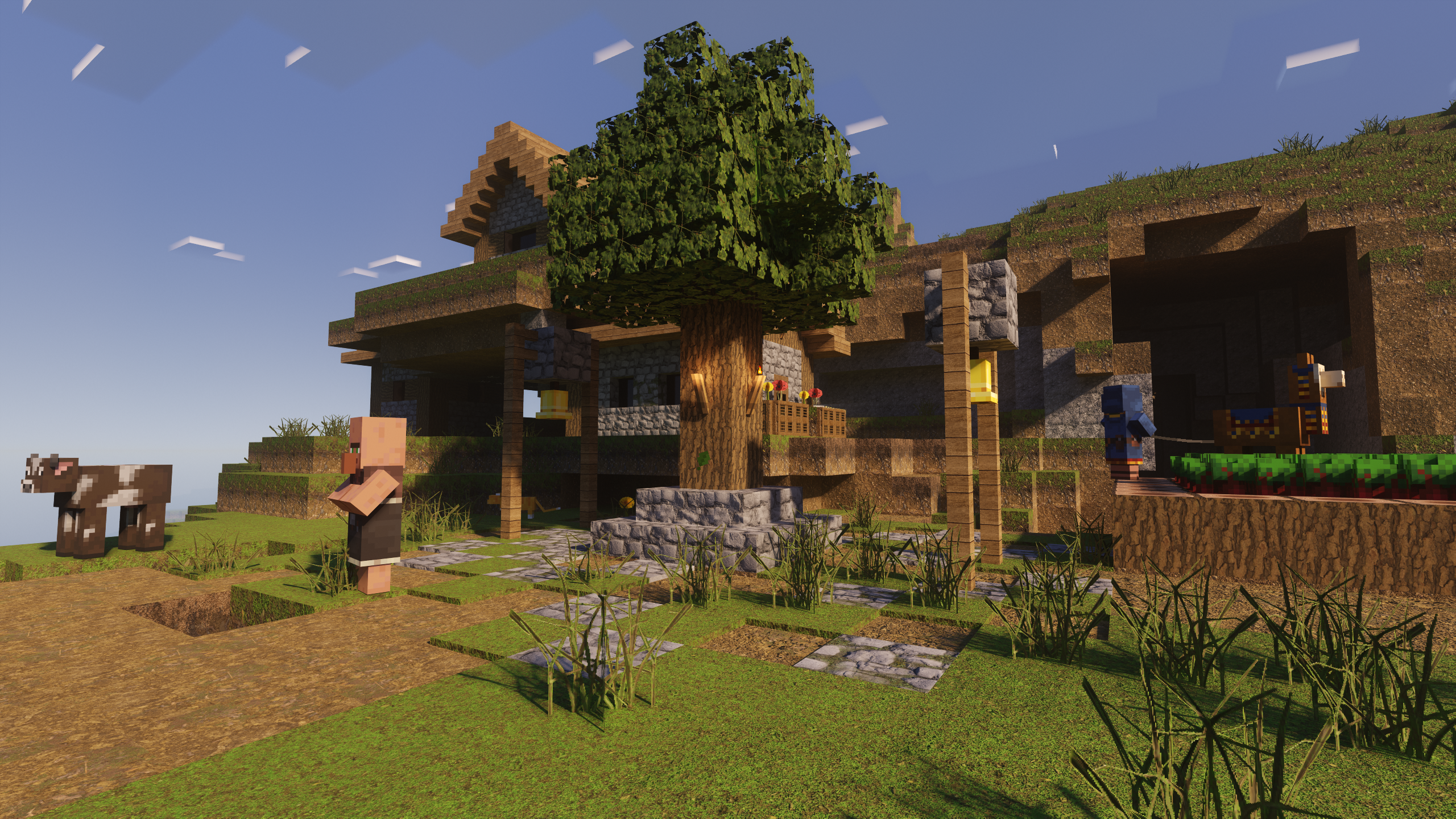
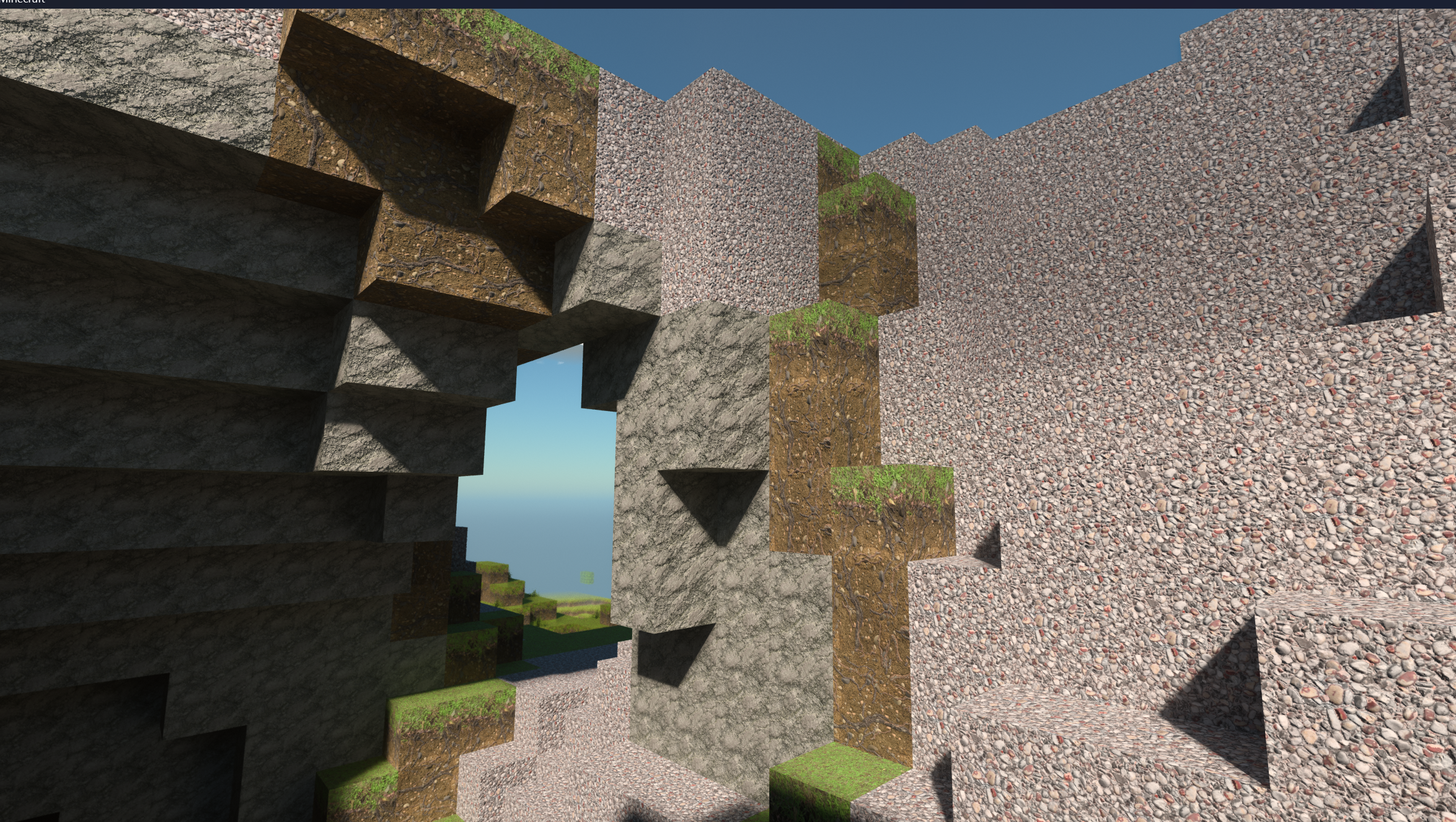
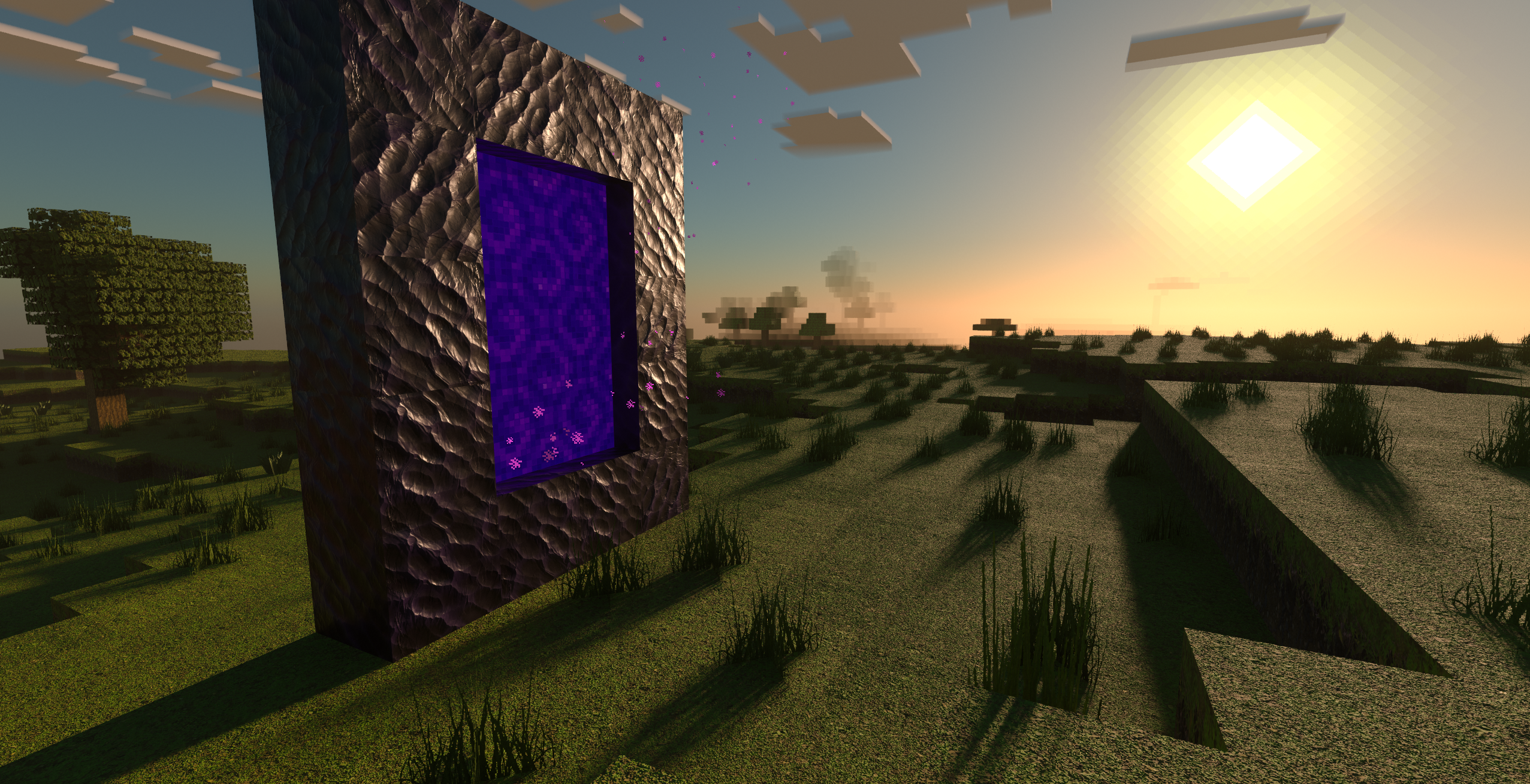
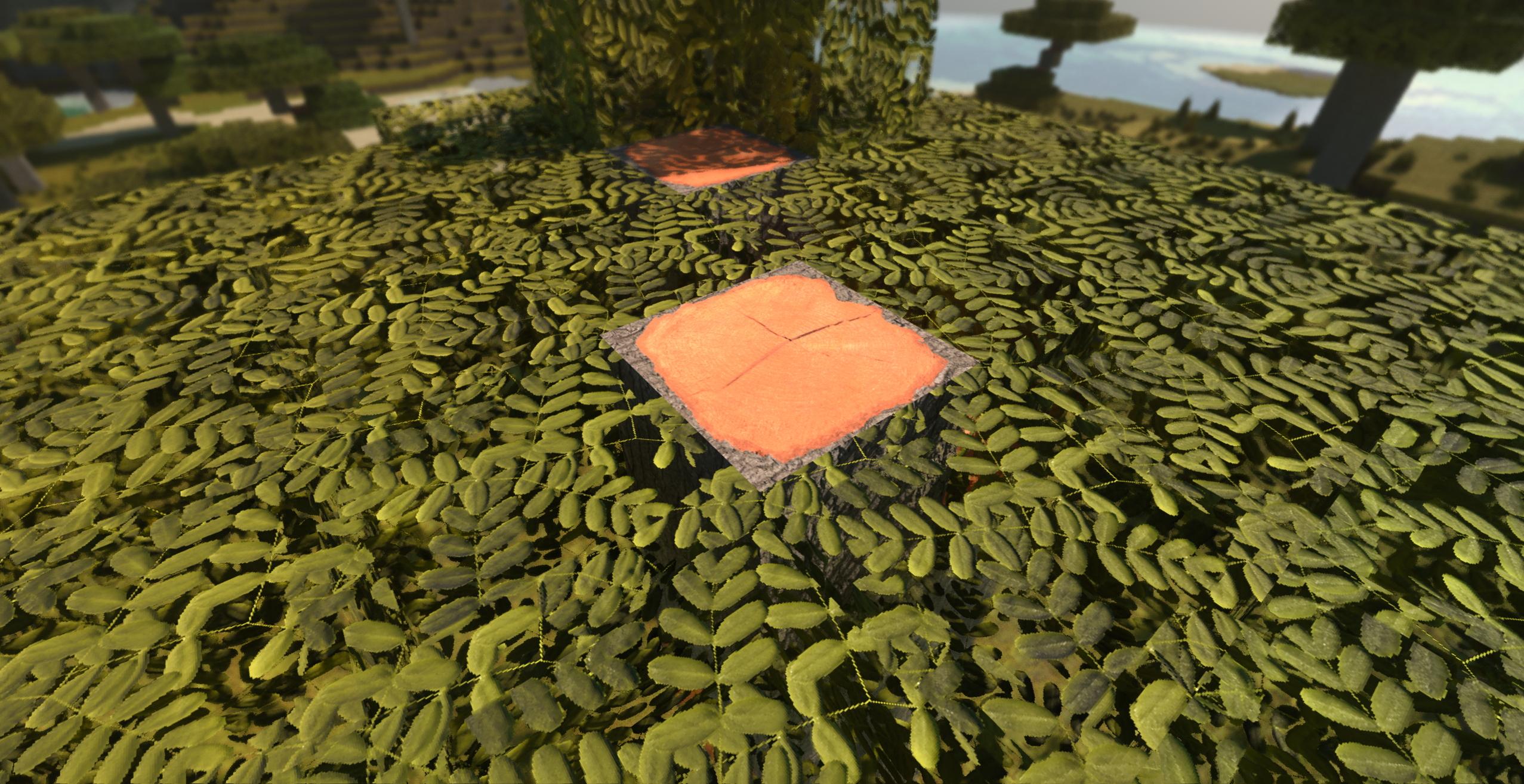
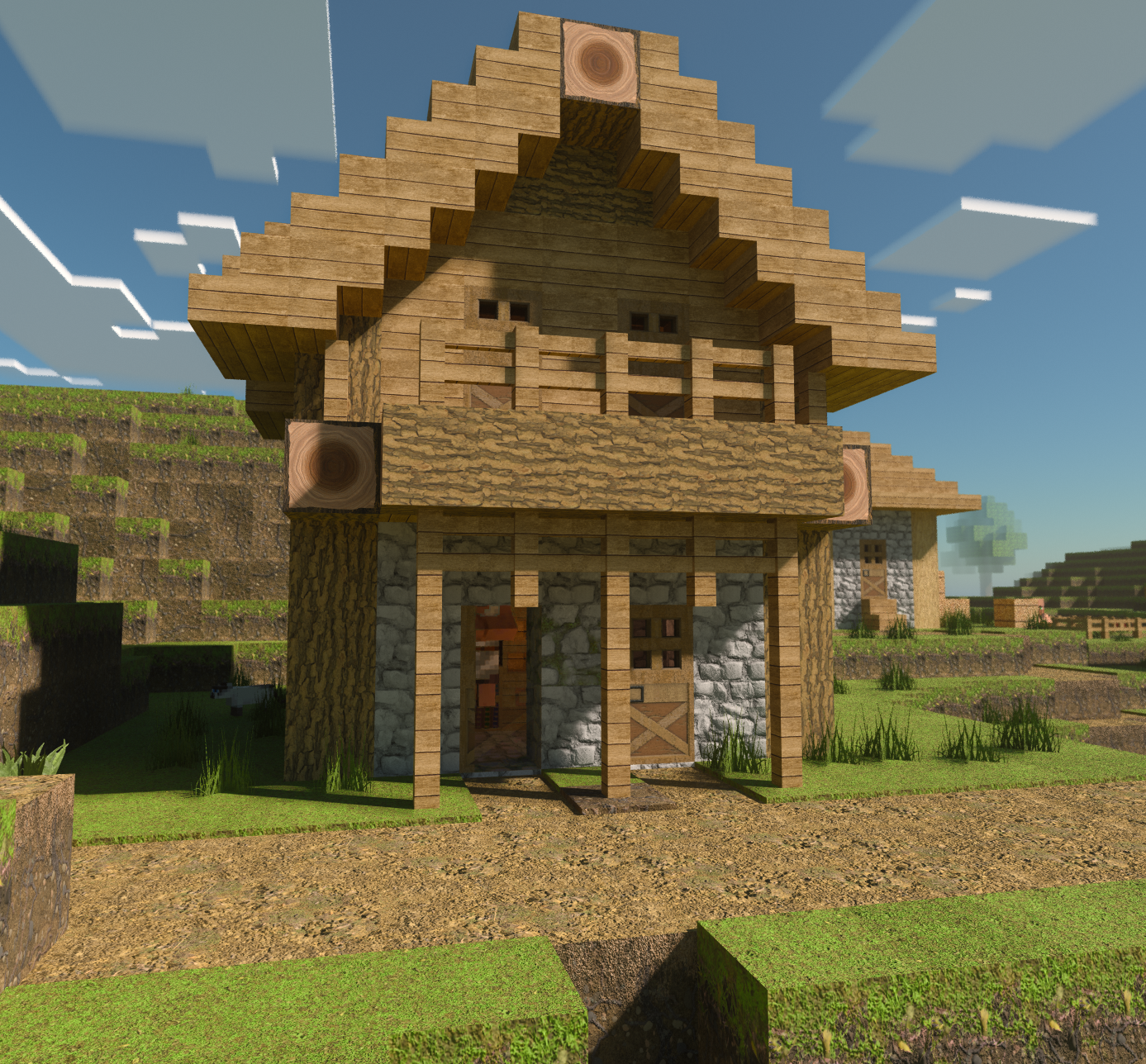
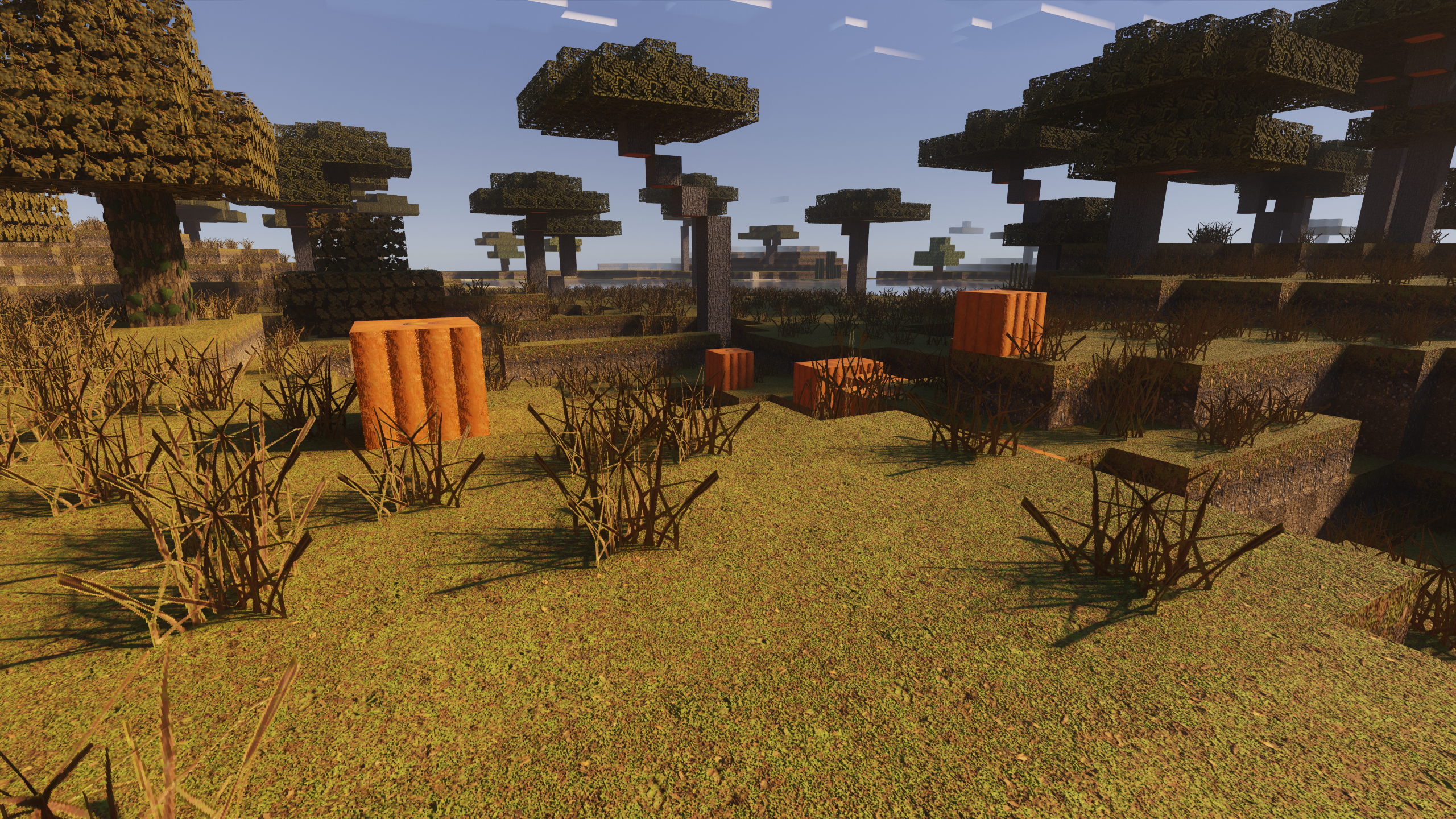
Want it to look like the screenshots? Add Better RTX
The most striking Bedrock RTX shots use Better RTX, a free community shader mod that upgrades Minecraft's default ray tracing with path tracing, better reflections, and tone mapping. It runs alongside the Optimum Realism pack — the pack supplies the textures, Better RTX makes them shine.
- Install Optimum Realism Bedrock RTX and activate it in Global Resources.
- Install Better RTX from bedrock.graphics (60-second installer).
- Enable Ray Tracing in your world settings and pick the Path Tracing preset.
Full step-by-step setup — including the non-RTX Vibrant Visuals path — is in the Bedrock install guide.